Every aspect of your farm. All in one command center.
Bring your farm information, plans and next decisions together. See the working Windows app below, using screenshots supplied from Jeremy’s farm. Select any screenshot for a full-size view.
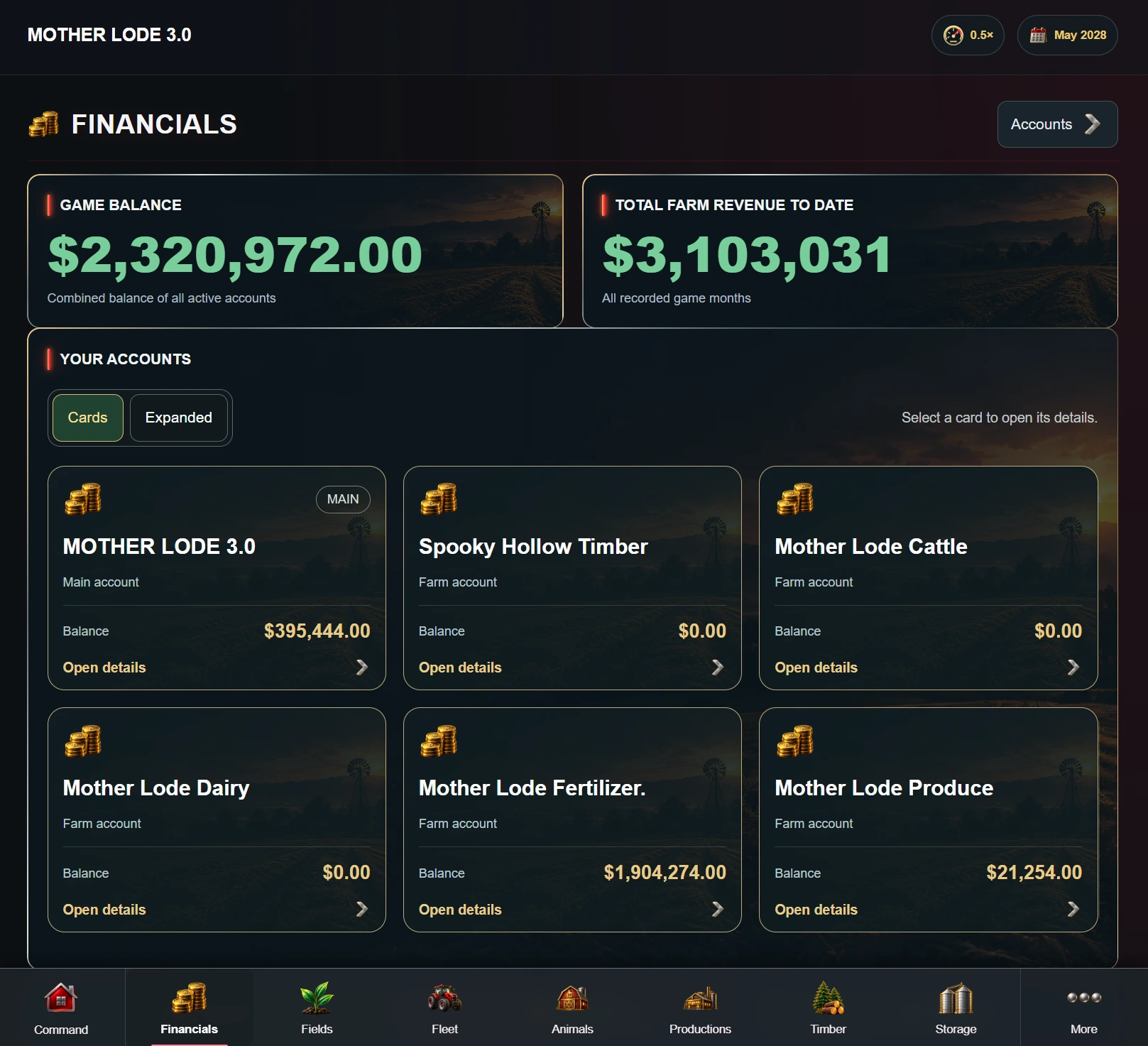
Finances
Farm accounts, income, expenses and the decisions behind your next investment.
Farm accounts and balances
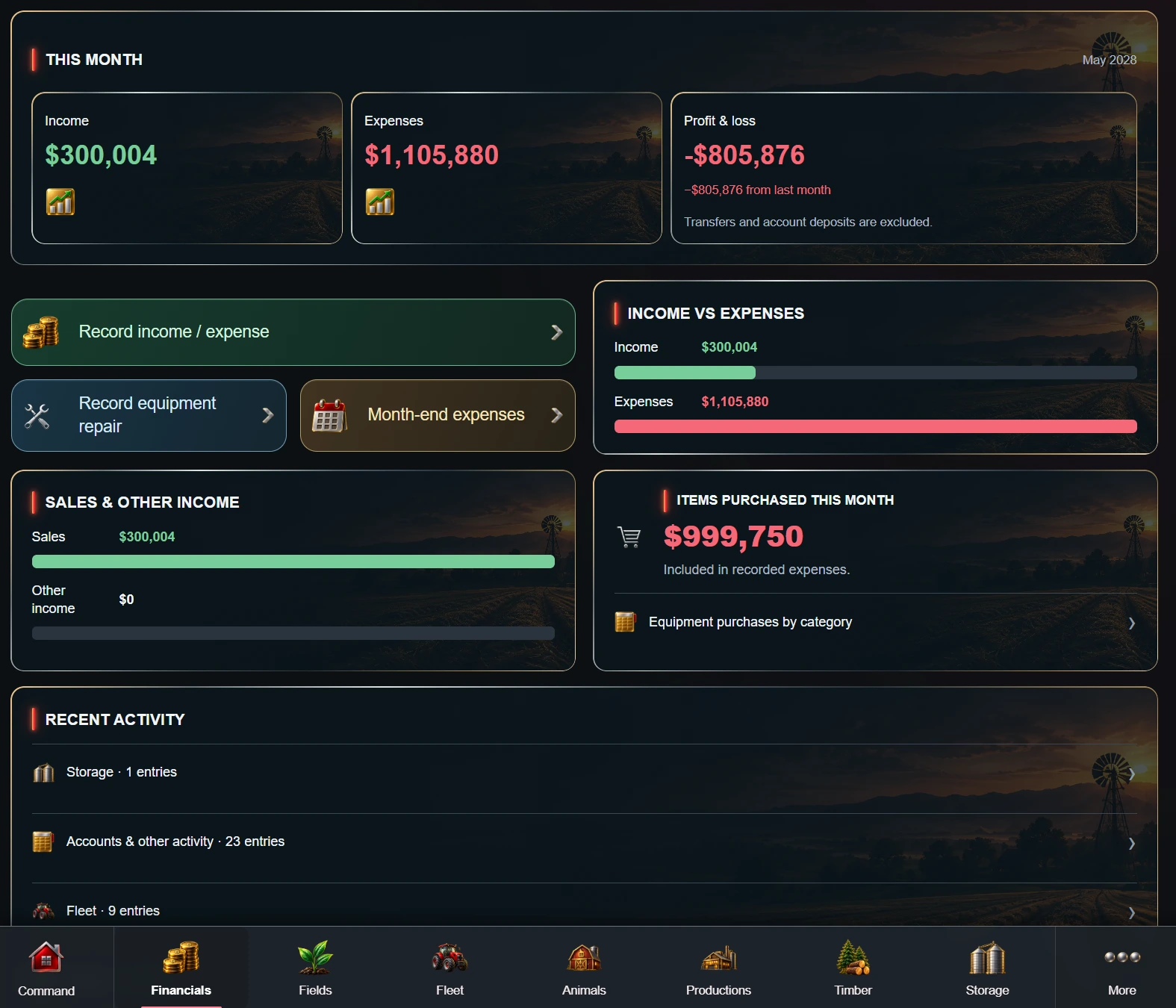
Income and expense records
Investment planning
Farm financial overview
Financial accounts and combined farm balance View full size ↗
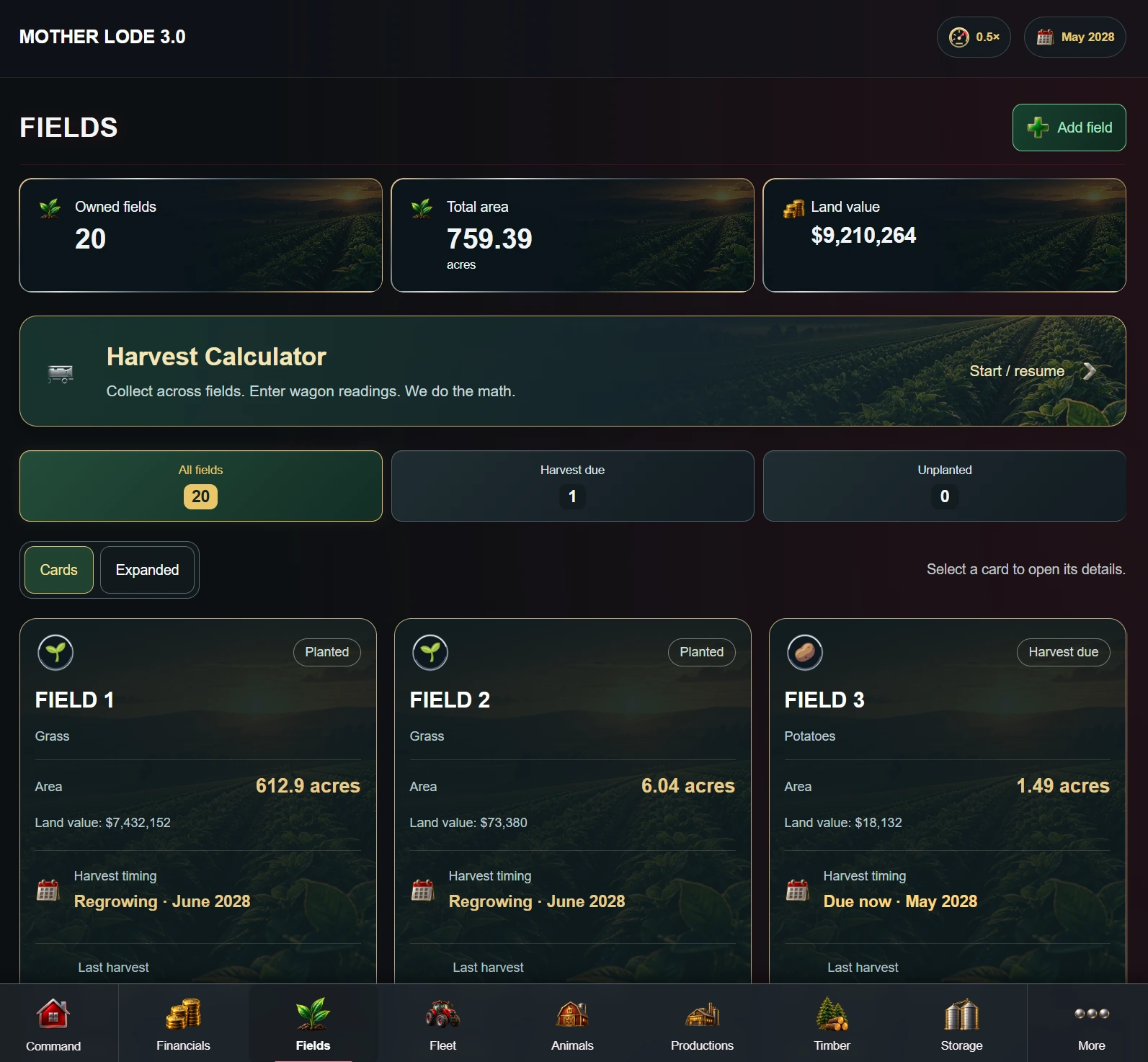
Fields & crops
Field records, crop plans, harvests and seasonal goals.
Field information and records
Crop and seasonal plans
Harvest records
Land expansion goals
Field records, harvest timing and harvest calculator View full size ↗
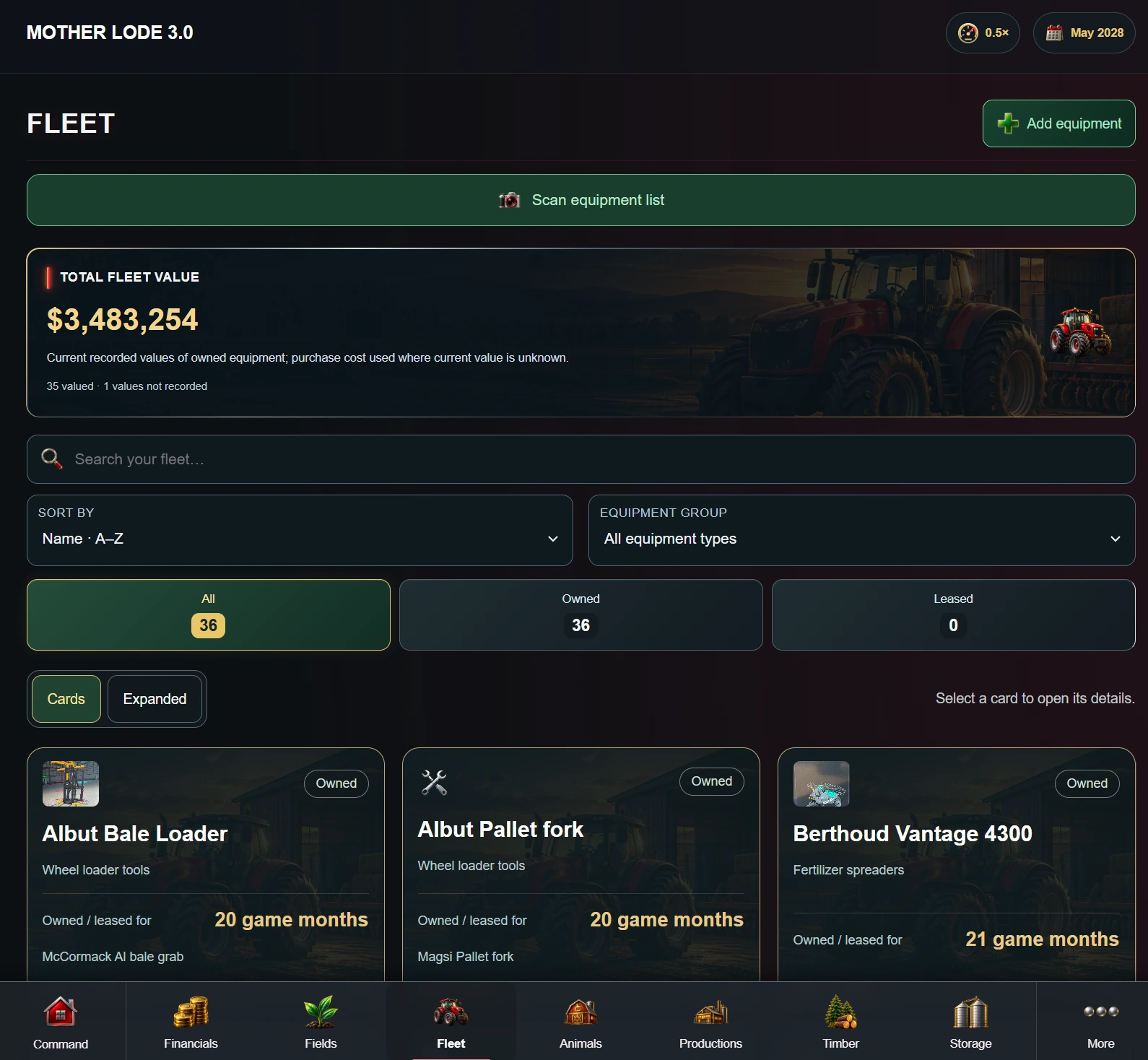
Equipment
A place to organize your fleet and plan the machinery you need.
Equipment and fleet records
Machinery information
Equipment purchase plans
Fleet organization
Equipment fleet, values, search and owned equipment View full size ↗
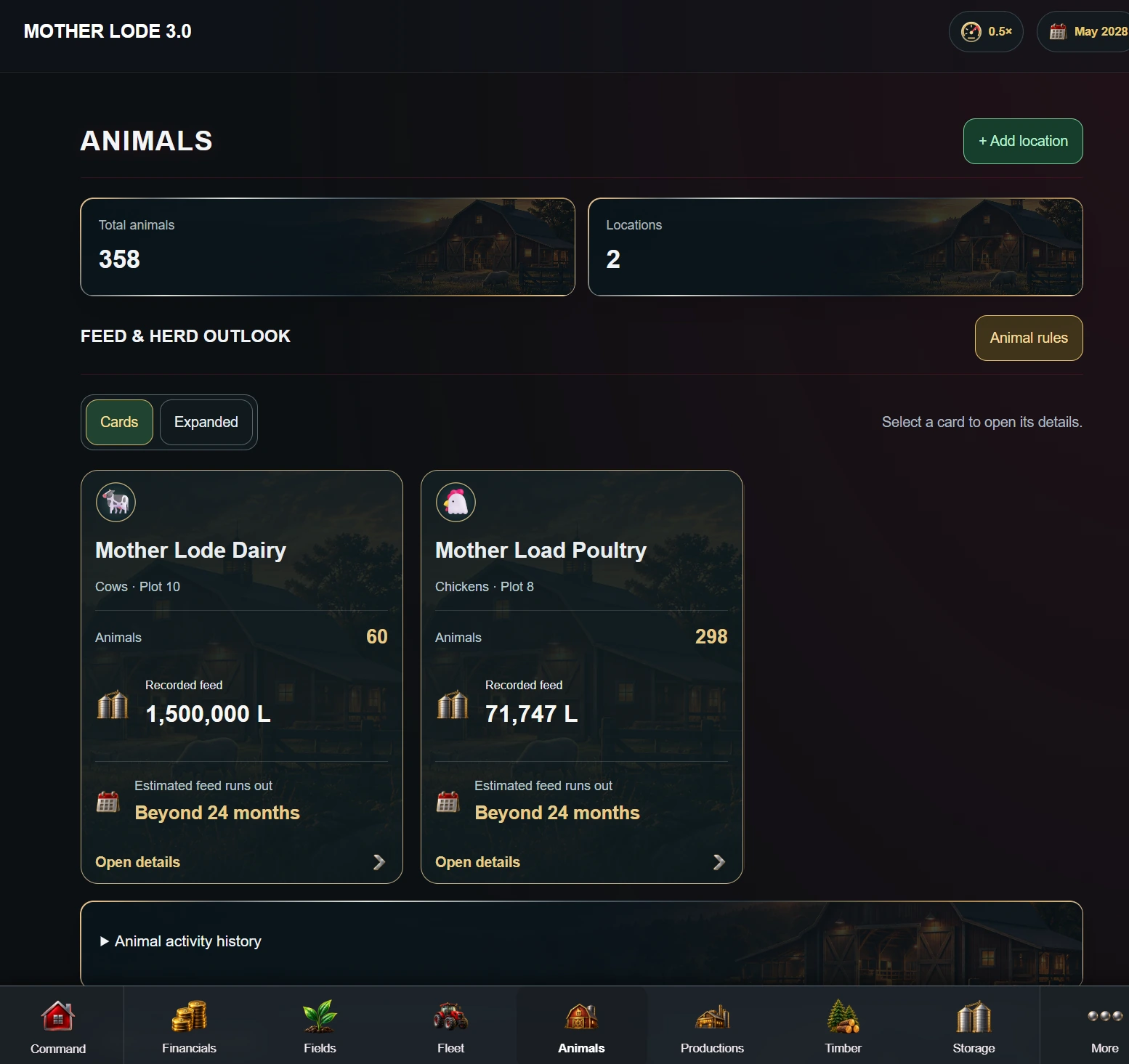
Livestock
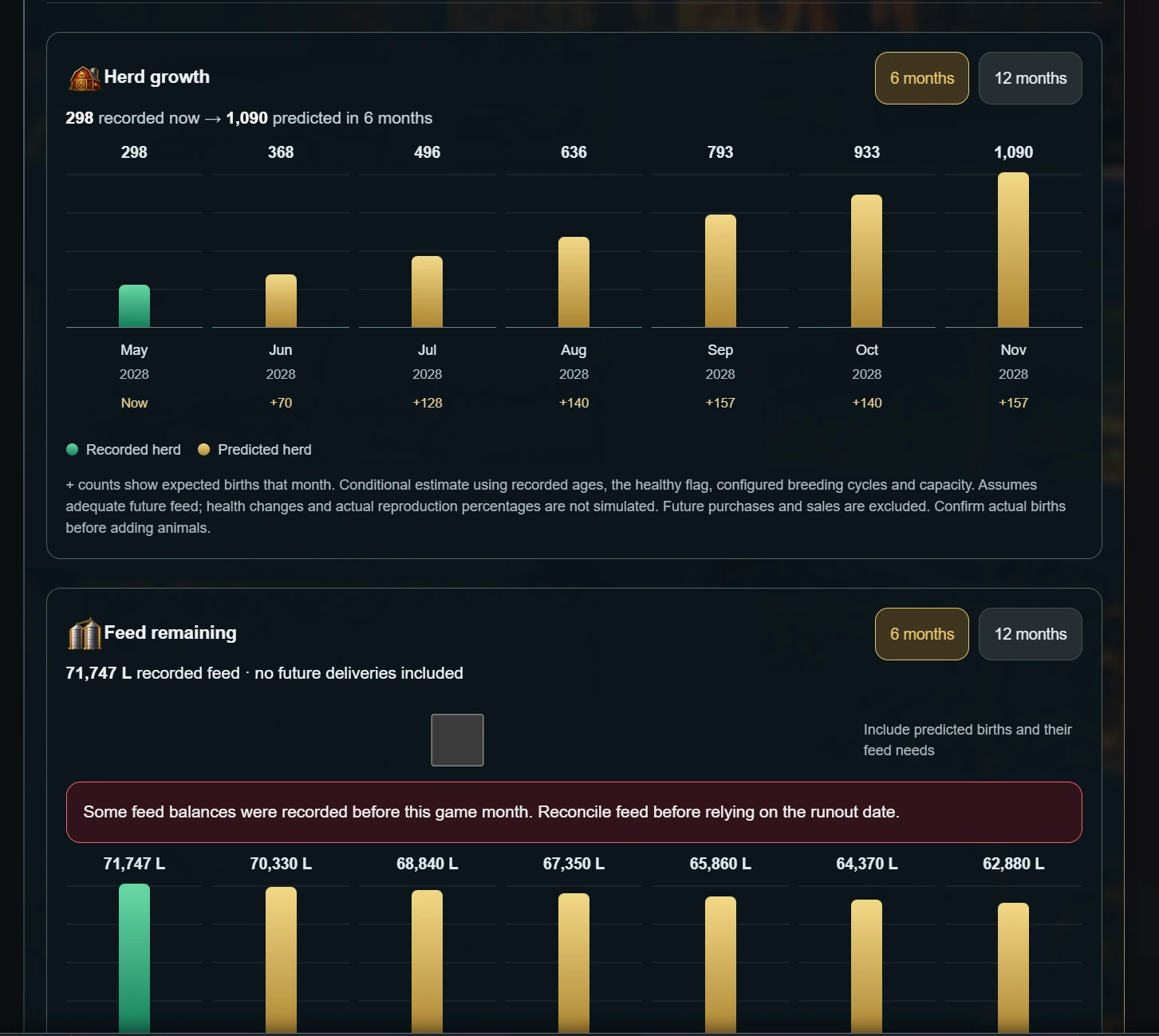
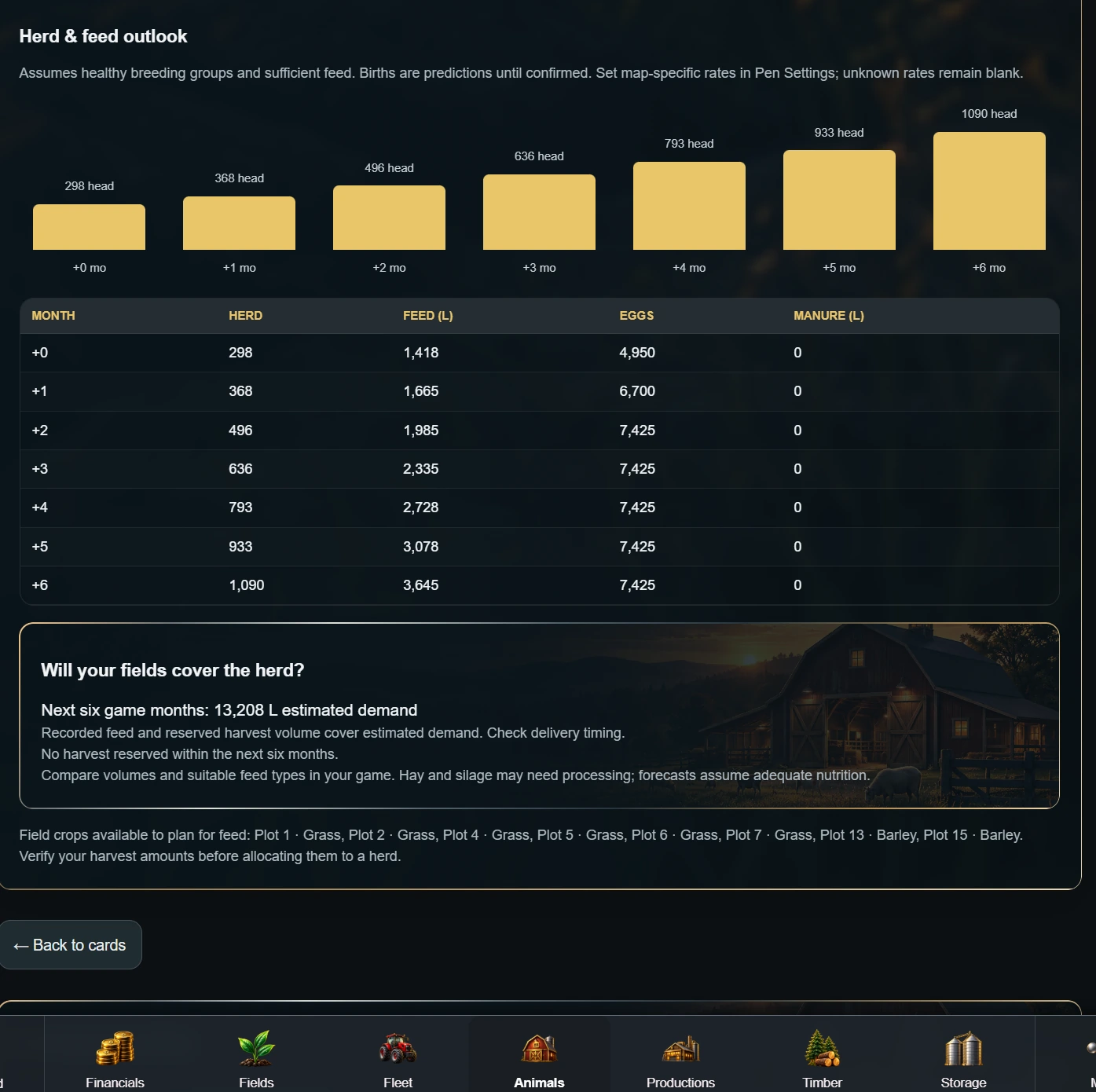
Herd information, feed planning and production records.
Herd information and records
Feed planning
Livestock production records
Herd growth plans
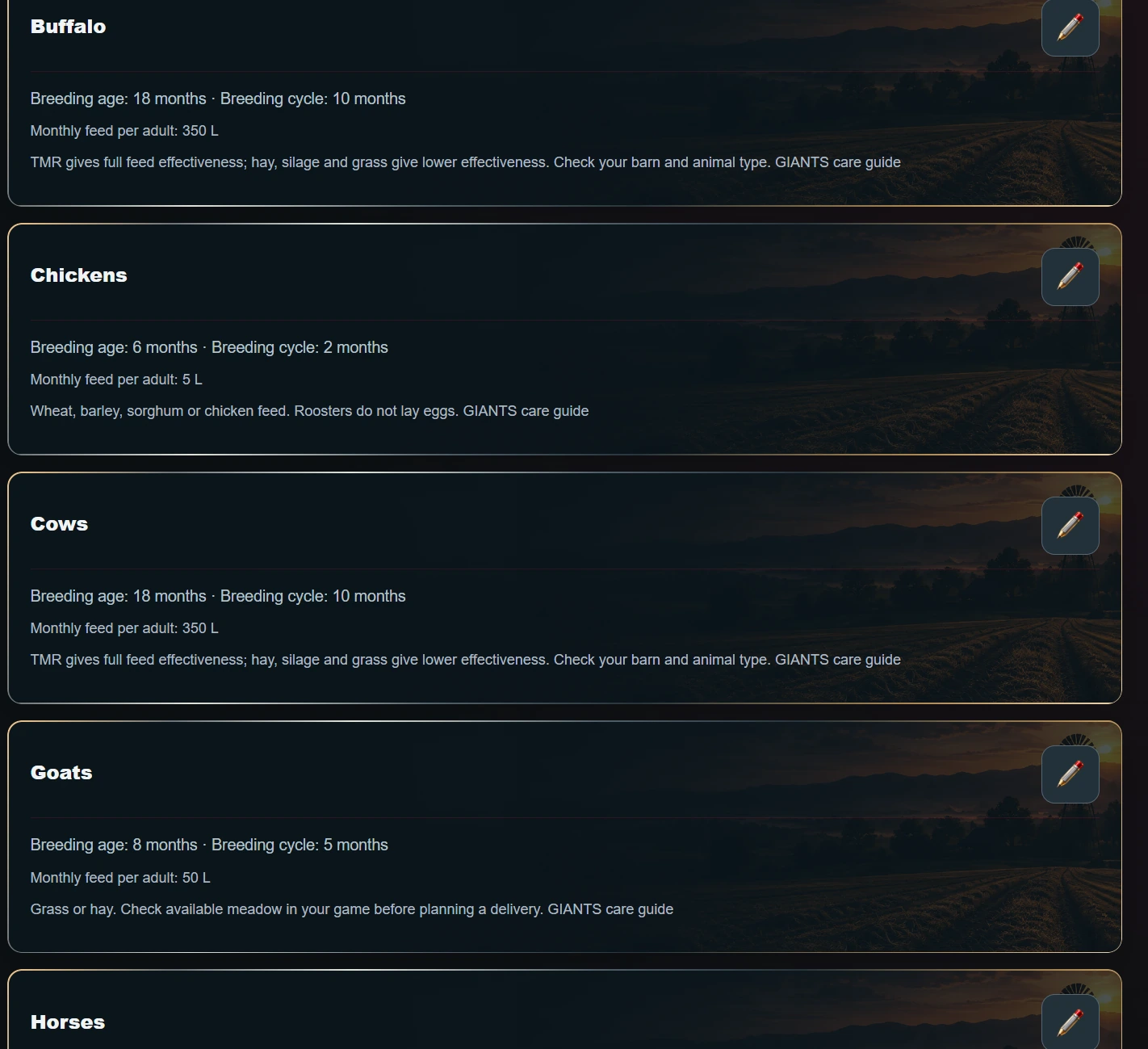
Animal locations, recorded feed and herd overview View full size ↗
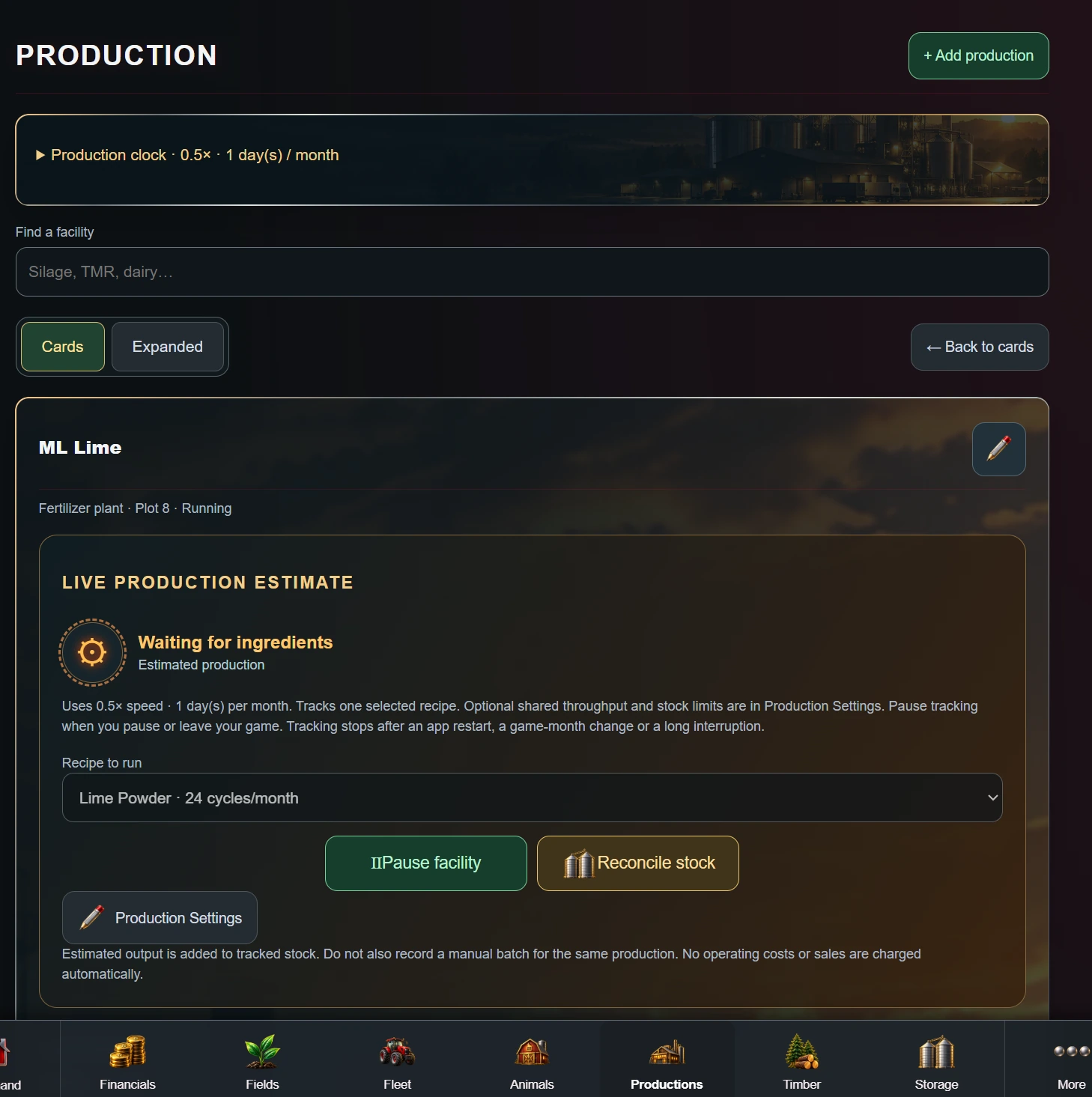
Production
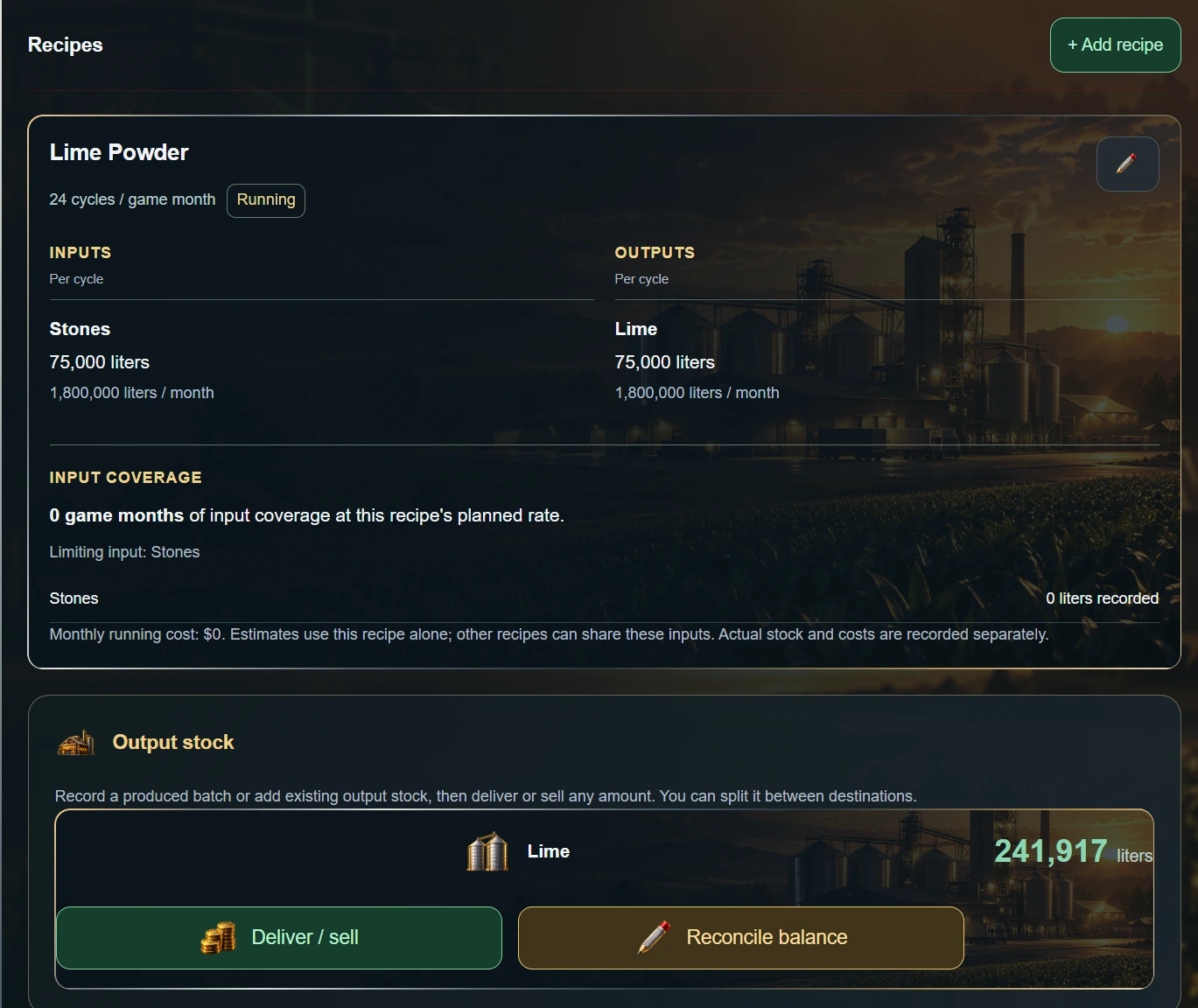
Production chains, inventory and the connections across your farm.
Production chain planning
Inventory records
Inputs and outputs
Connections across your farm
Production facility and live production estimate View full size ↗
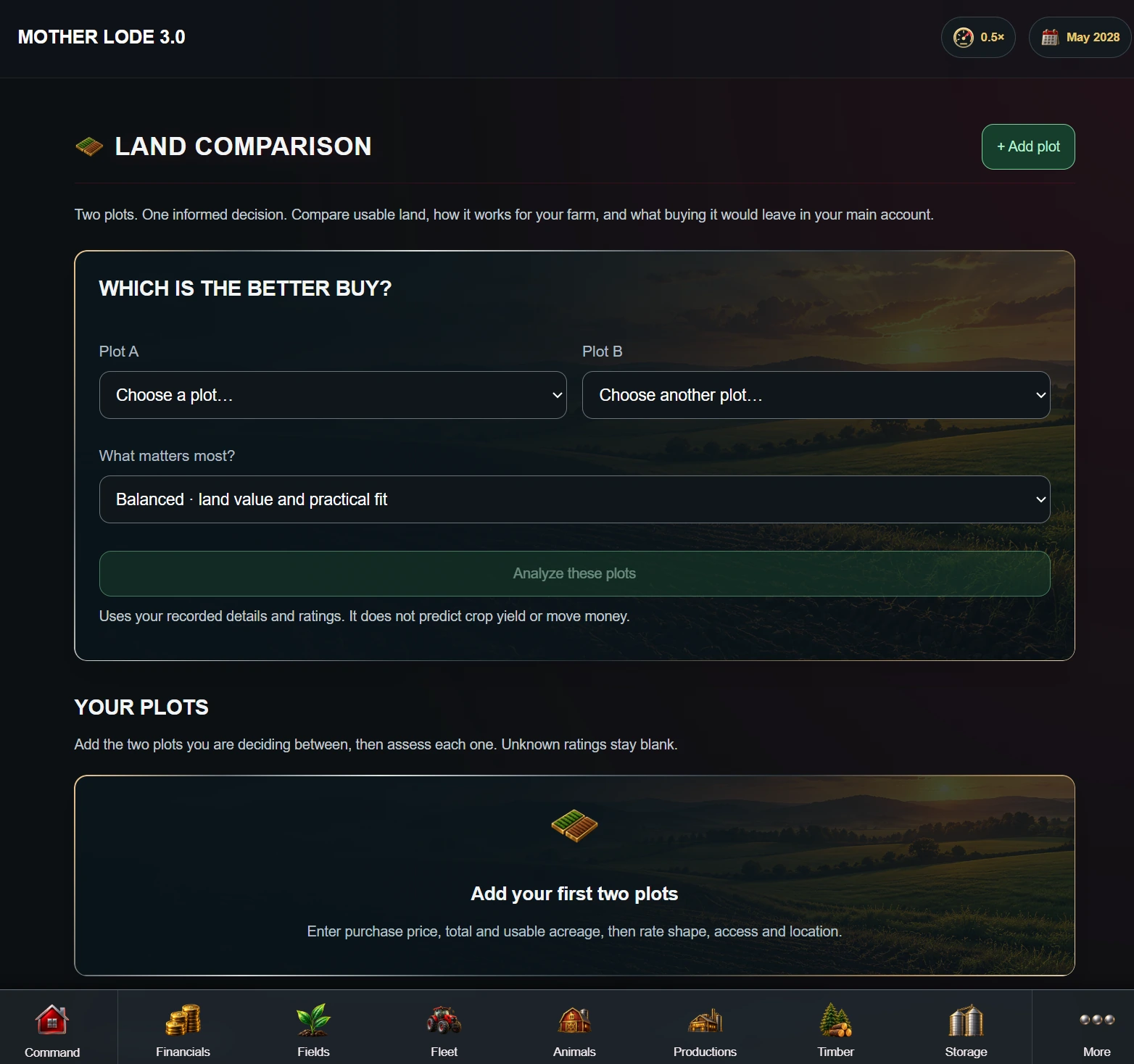
Strategy
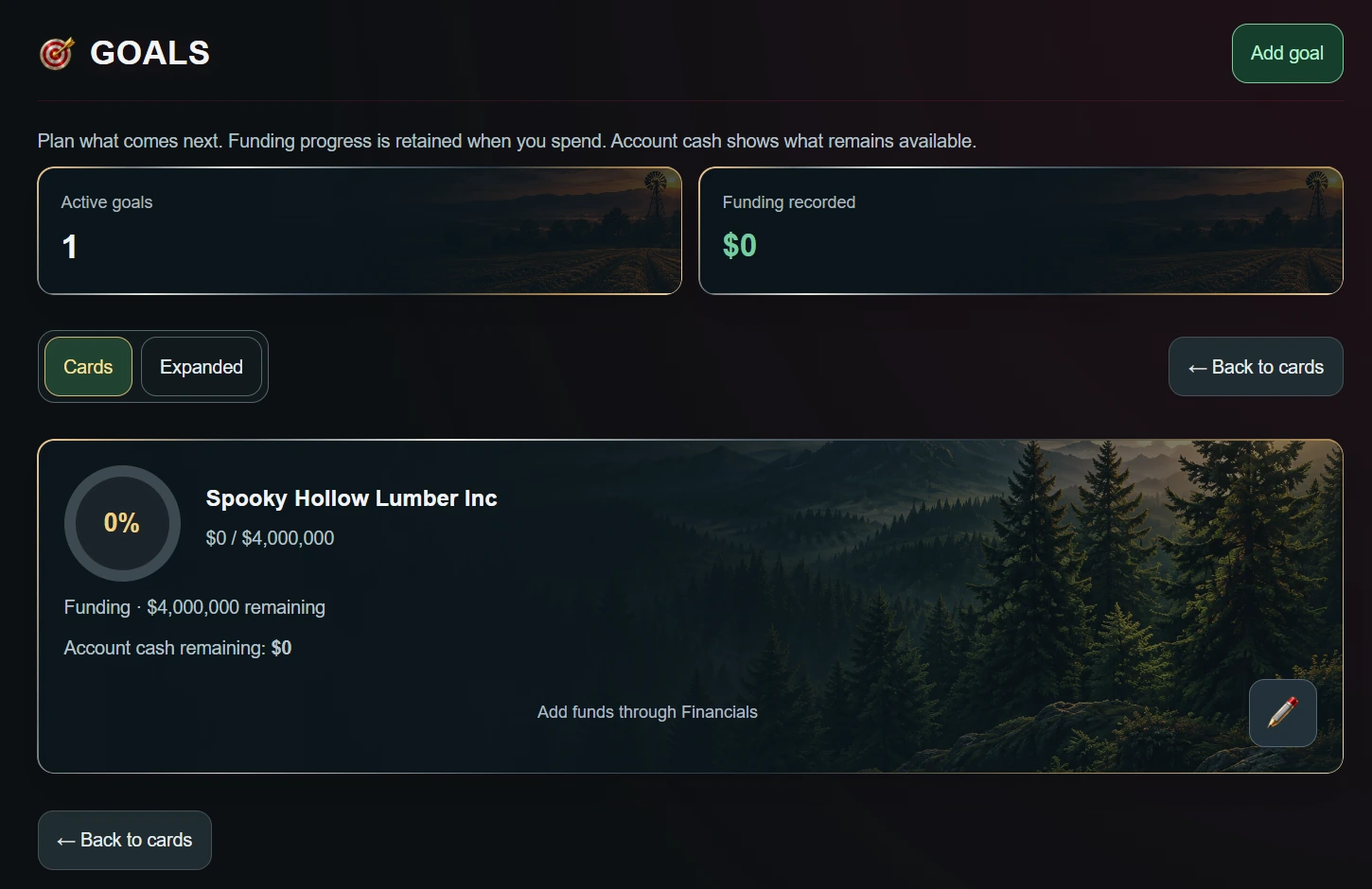
Goals and farm expansion plans, guided by information you enter.
Seasonal goals
Farm expansion plans
Investment priorities
Decisions guided by your records
Land comparison and farm expansion planning View full size ↗
♧
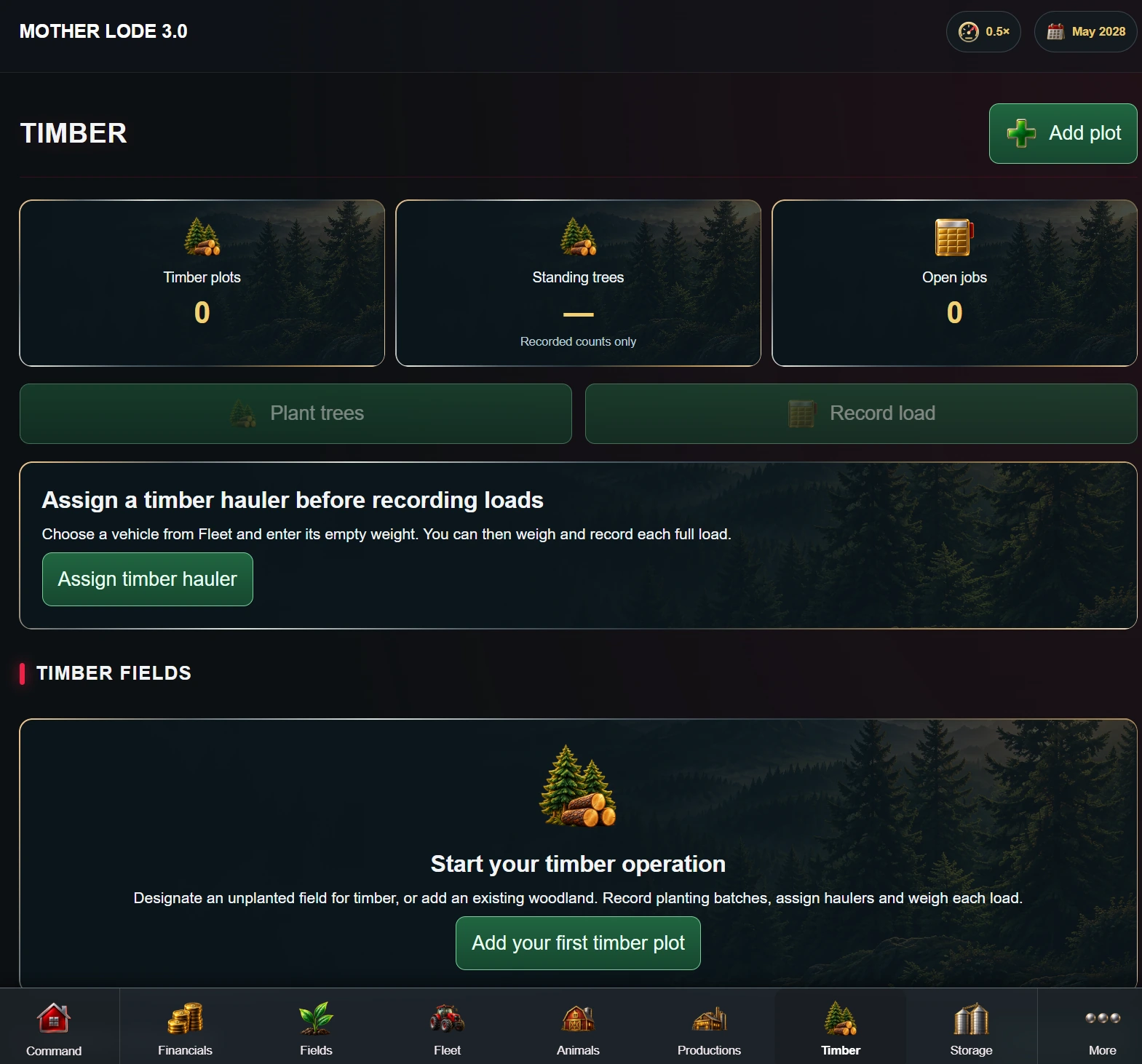
Timber
Give your woodland operation the same attention as the rest of your farm.
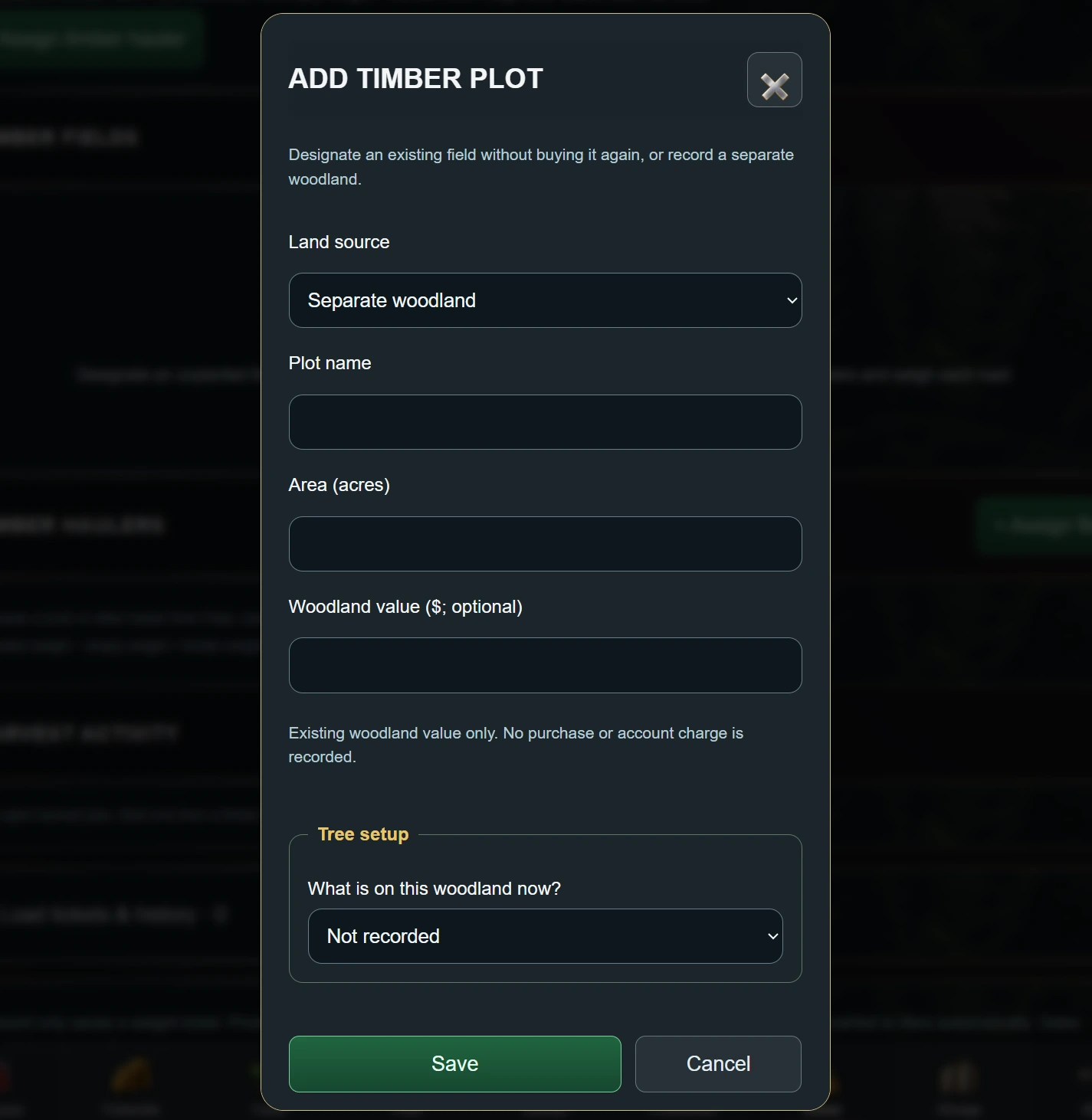
Record timber plots and existing woodland
Track planting batches
Assign a timber hauler
Record loads and net weights
Timber plots, planting and load recording setup View full size ↗
▥
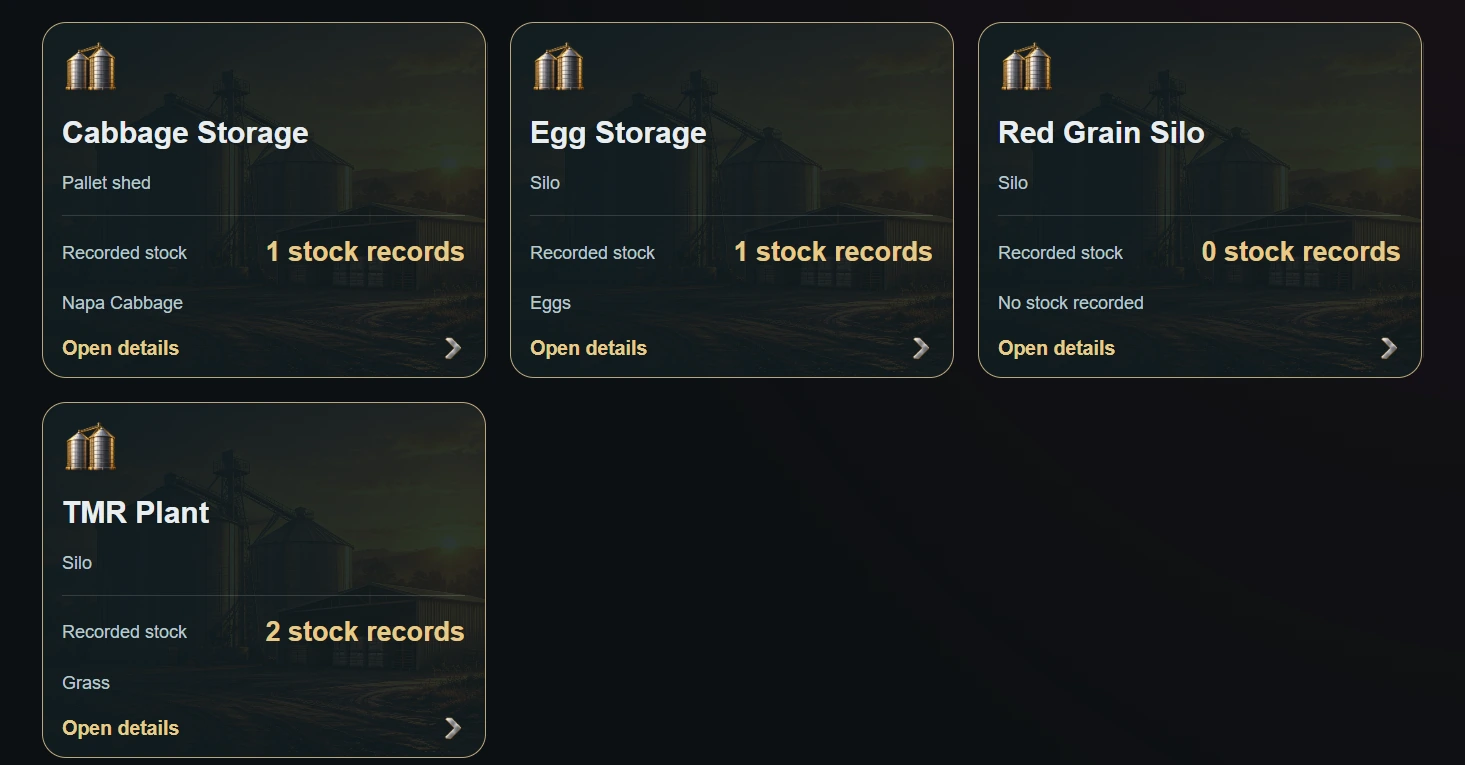
Storage
Know what you have recorded and where it belongs.
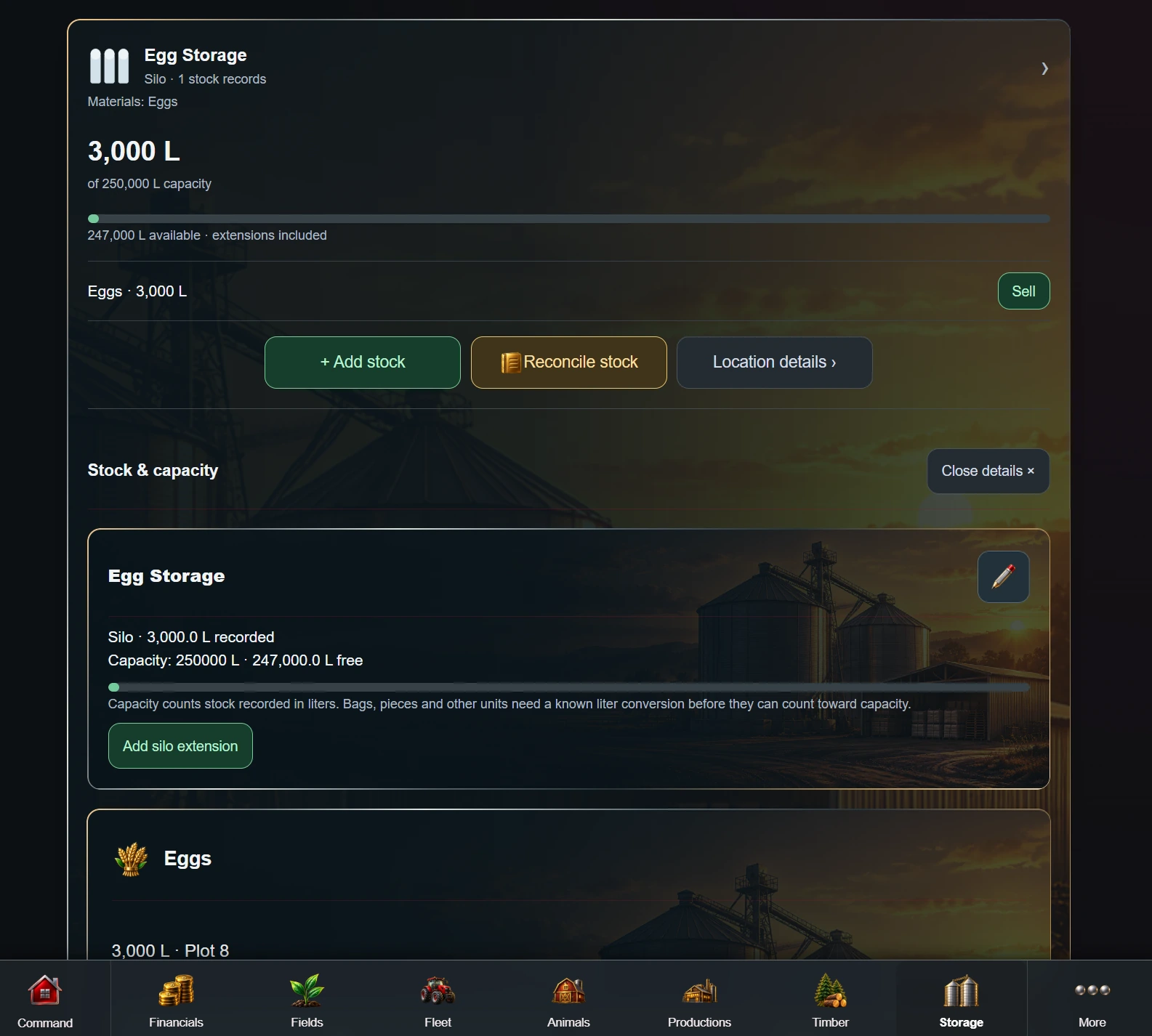
Organize silos and storage locations
Record stock and materials
Review capacity and extensions
Reconcile stock as your farm changes
Farm storage locations and recorded stock View full size ↗
⌂
Command Center
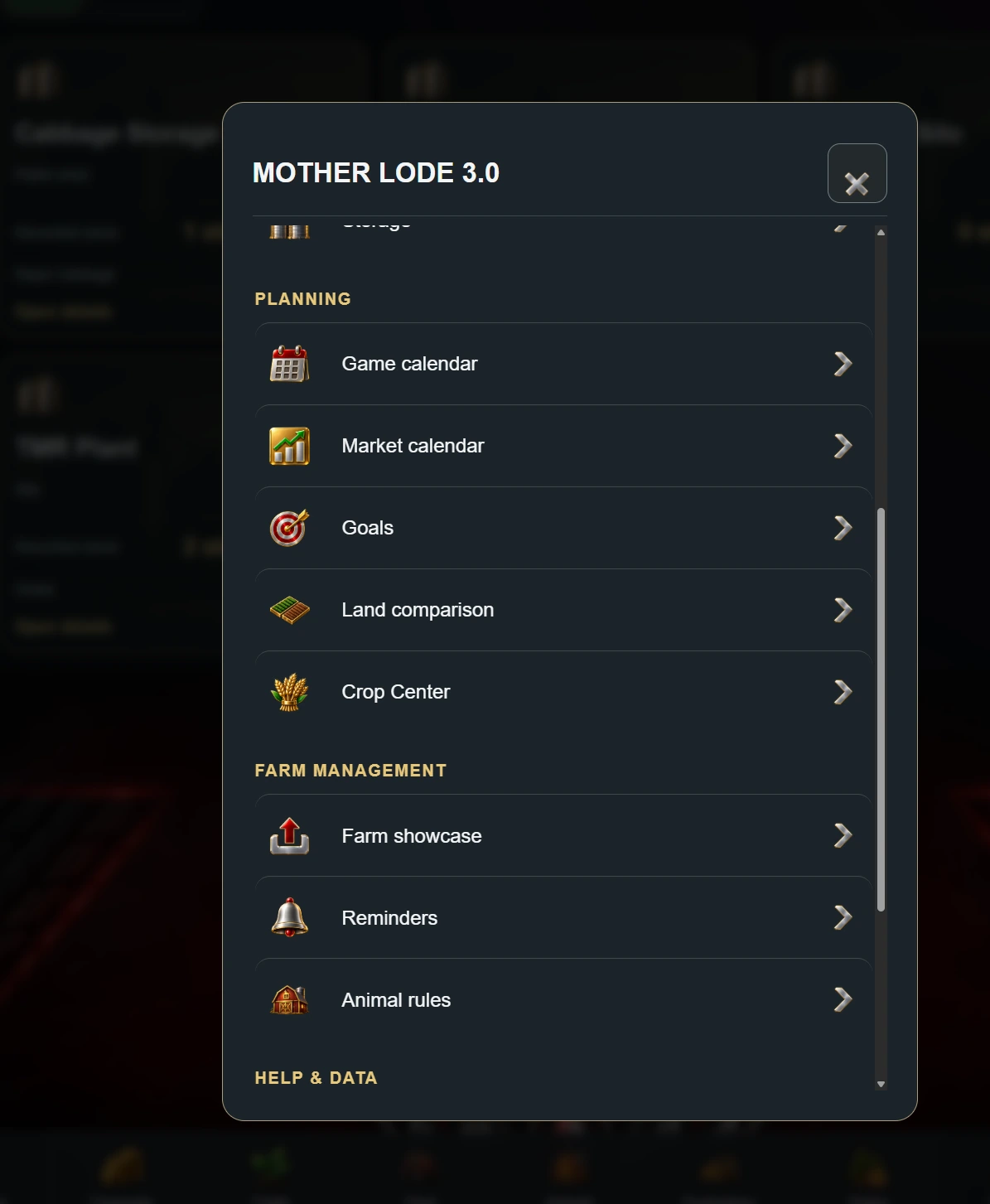
Your way into the tools behind your farm plan.
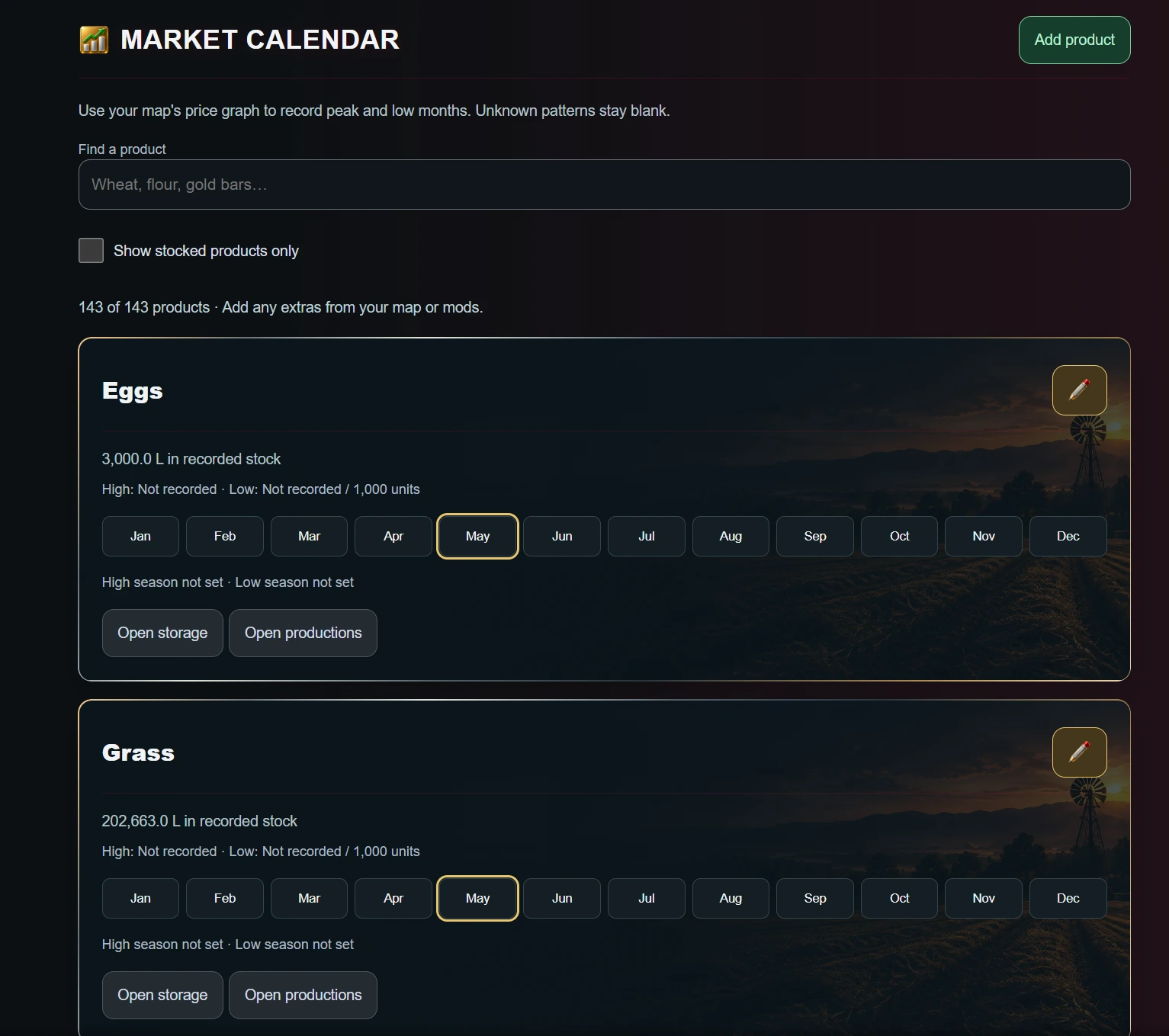
Game and market calendars
Goals and land comparison
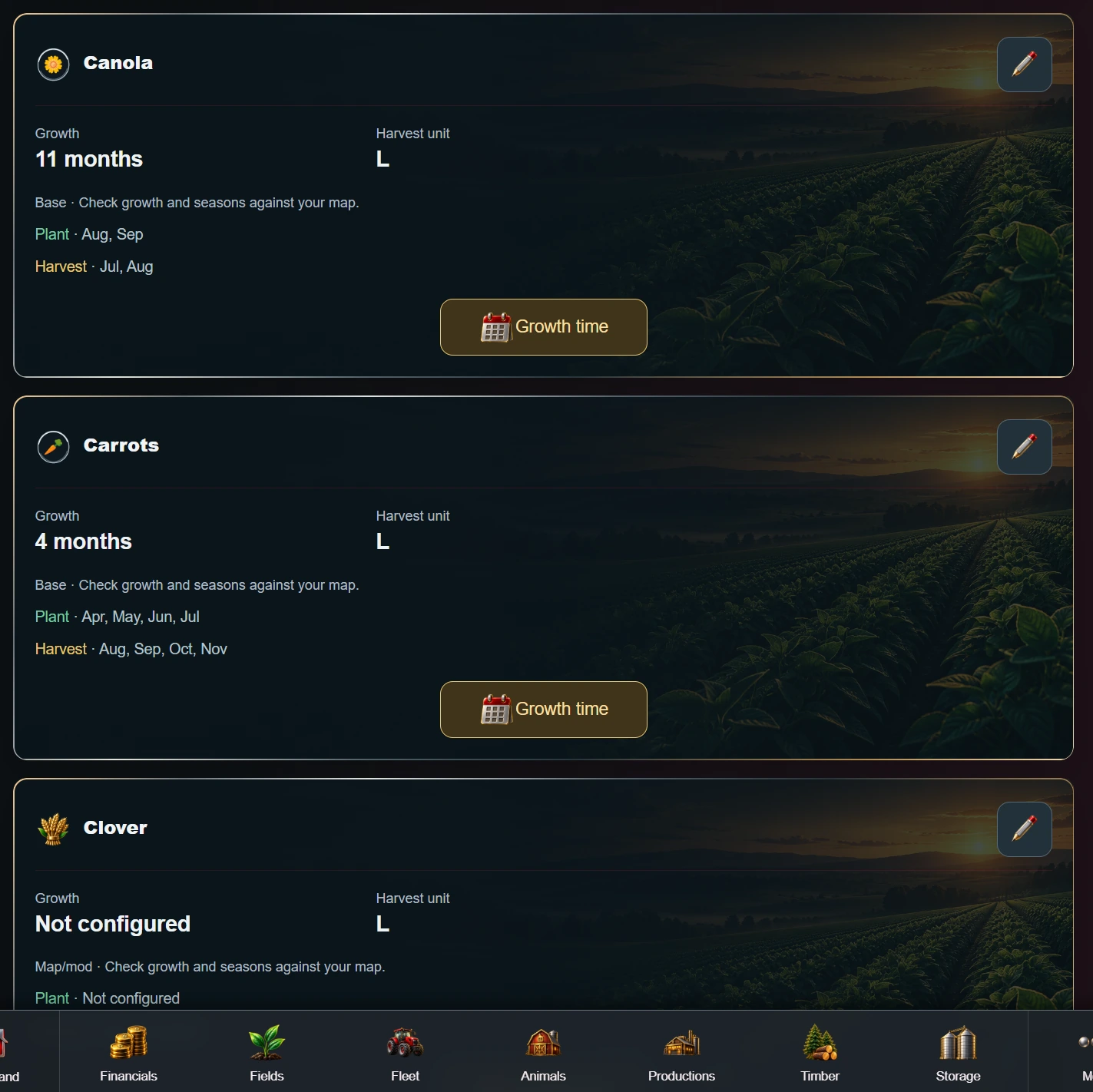
Crop Center reference tools
Farm management and help tools
Command Center menu with planning and farm management tools View full size ↗
⇄
Farm Handoff Private pilot
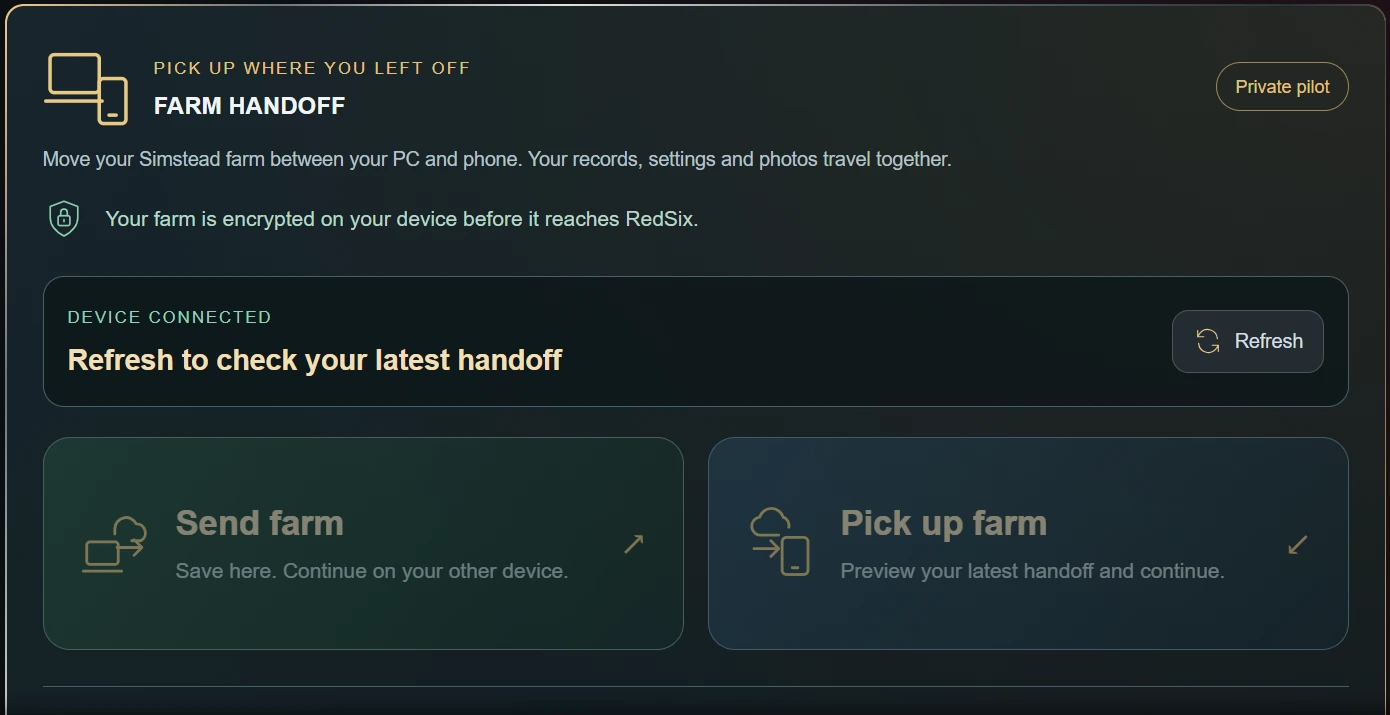
A private pilot for moving Simstead farm records between your PC and phone.
Records, settings and farm photos travel together
Farm data is encrypted on the device before upload
Send a farm and pick it up on a linked device
Not a Farming Simulator game-save transfer; not enabled for general release
Farm Handoff private pilot showing send and pick-up options View full size ↗
Actual Windows app screens. Forecasts use your recorded settings and are estimates, not guaranteed game outcomes.
Monthly income, expenses, profit and loss, and recent activity View full size ↗Recorded herd and conditional growth and feed estimates View full size ↗Herd and feed outlook with estimated demand View full size ↗Production recipe inputs, outputs and recorded stock View full size ↗Add timber plot and tree setup View full size ↗Storage stock, free capacity and extensions View full size ↗Market calendar with recorded product seasons View full size ↗Farm expansion goal and funding progress View full size ↗Crop Center with growth time and planting and harvest months View full size ↗Animal reference settings for breeding and feed View full size ↗